OnAir Panel is a self-hosted, multi-tenant radio hosting control panel. Buy a licence, install it on your own server, and offer branded SHOUTcast & Icecast streaming with AutoDJ to your own customers.
OnAir Panel isn't a shared service — you install it on your own Ubuntu or Debian server and run it as your own platform. Your infrastructure, your branding, your customers, your data.
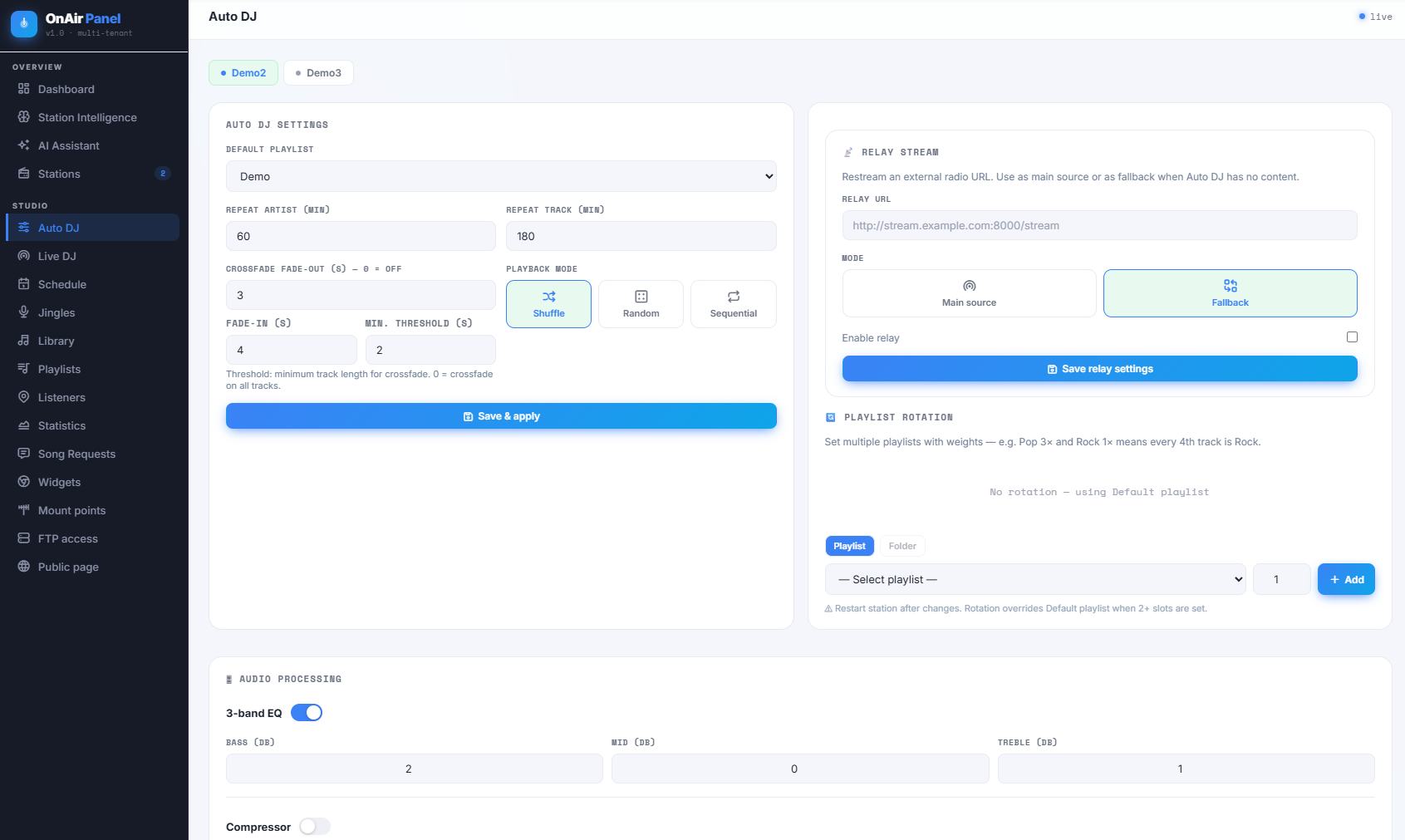
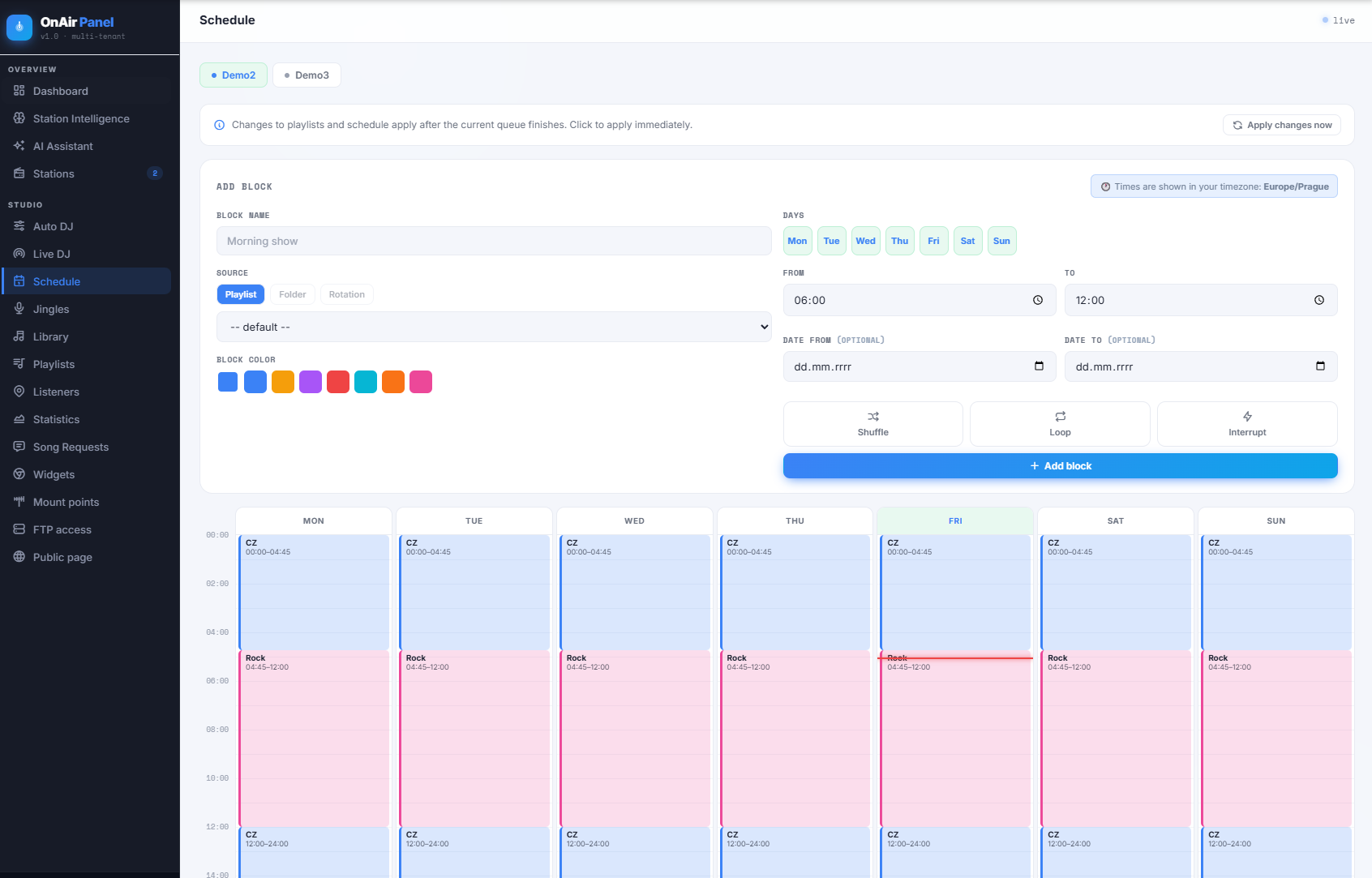
Everything is included and pre-integrated: the streaming servers, the Liquidsoap AutoDJ, scheduling, live DJ input, listener statistics and a full admin layer. No assembling separate tools — one panel, one installer, ready to broadcast.
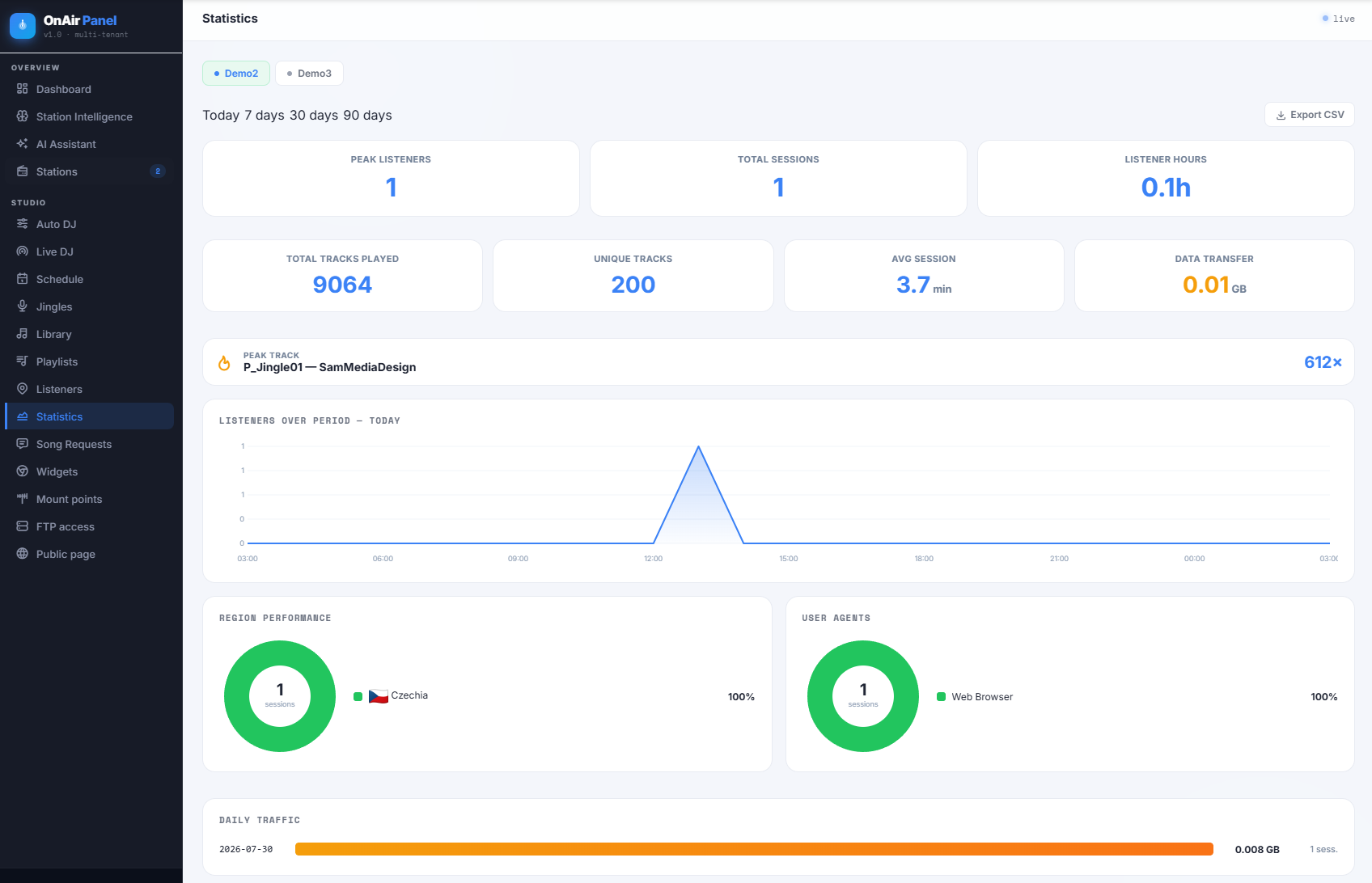
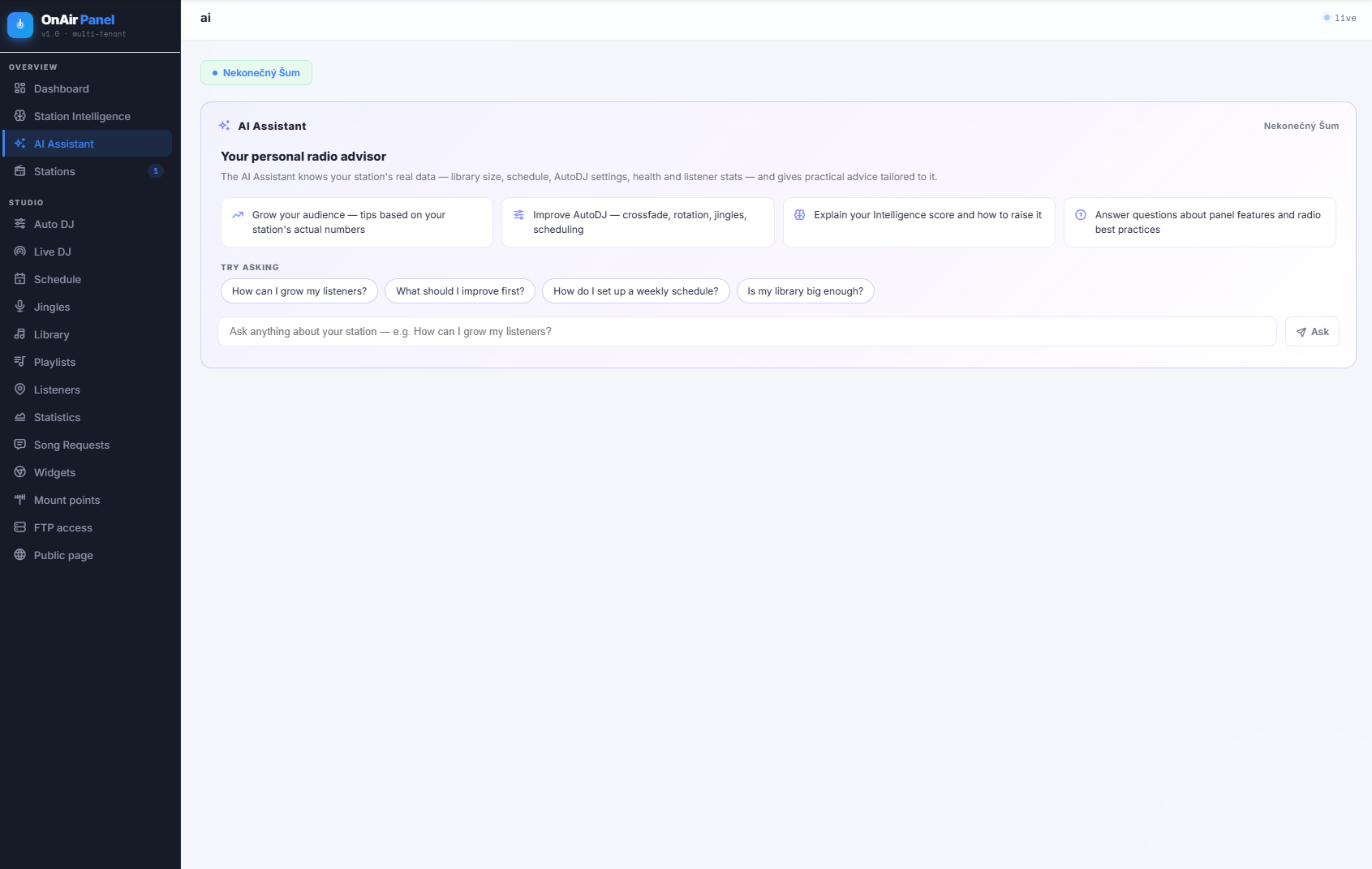
From automated broadcasting to real-time stats and the AI layer — all in one interface.


Runs on your own server. Your infrastructure, your brand, your customers — full control, no shared SaaS.
One installation hosts many stations, each fully isolated with its own login, data and quota.
Streaming, AutoDJ, scheduling, stats, live input and admin — all included and pre-integrated.
An interactive installer bundles every dependency. Start from a clean server and be live in minutes.
Grouped by what it does — all pre-integrated, all managed from one clean interface.
Subscribe through our client area. You instantly receive a licence key and the full installation package to download.
Run the interactive installer on a clean Ubuntu or Debian server. It bundles every dependency and sets everything up — no manual config.
Create stations, upload music, set your schedule and start broadcasting. Add your own customers whenever you're ready.
You bring a clean server; the installer does the rest.
Node.js, SQLite, Liquidsoap, Icecast2 / SHOUTcast, nginx, FFmpeg and MaxMind GeoLite2 — all installed automatically. Nothing to download separately.
Prompts for admin login, licence key, panel URL and server IP, then installs the streaming servers, database, firewall rules and system service for you.
The panel, the installer, a full step-by-step installation guide and an example nginx configuration for HTTPS.
A simple monthly subscription, managed through our client area.
Self-hosted. You install OnAir Panel on your own server and run it as your own isolated platform — your infrastructure, your customers, your data. It is not a shared SaaS.
Yes. You need a clean Ubuntu 22.04/24.04 (or Debian 12) server with root access and a public IP. A domain is recommended so streams can be served over HTTPS.
An interactive installer does the work. It asks for a few details (admin login, licence key, panel URL, server IP) and then installs every dependency automatically — streaming servers, database, firewall rules and the system service. No manual config editing.
Yes. You run it under your own brand on your own domain, with per-station logos and branding. It's your platform.
The panel is multi-tenant and hosts multiple isolated stations. The actual capacity depends on your own server's resources, since everything runs on your infrastructure.
Licensing is deliberately gentle. There's a grace period, and already-running streams keep playing — they're never cut off. While lapsed, the panel simply stops allowing new stations to be added and shows a warning until you renew.
As a monthly subscription through our client area. On order you automatically receive a licence key (bound to your domain and server IP) and the installation package. Suspension and renewal are handled automatically.
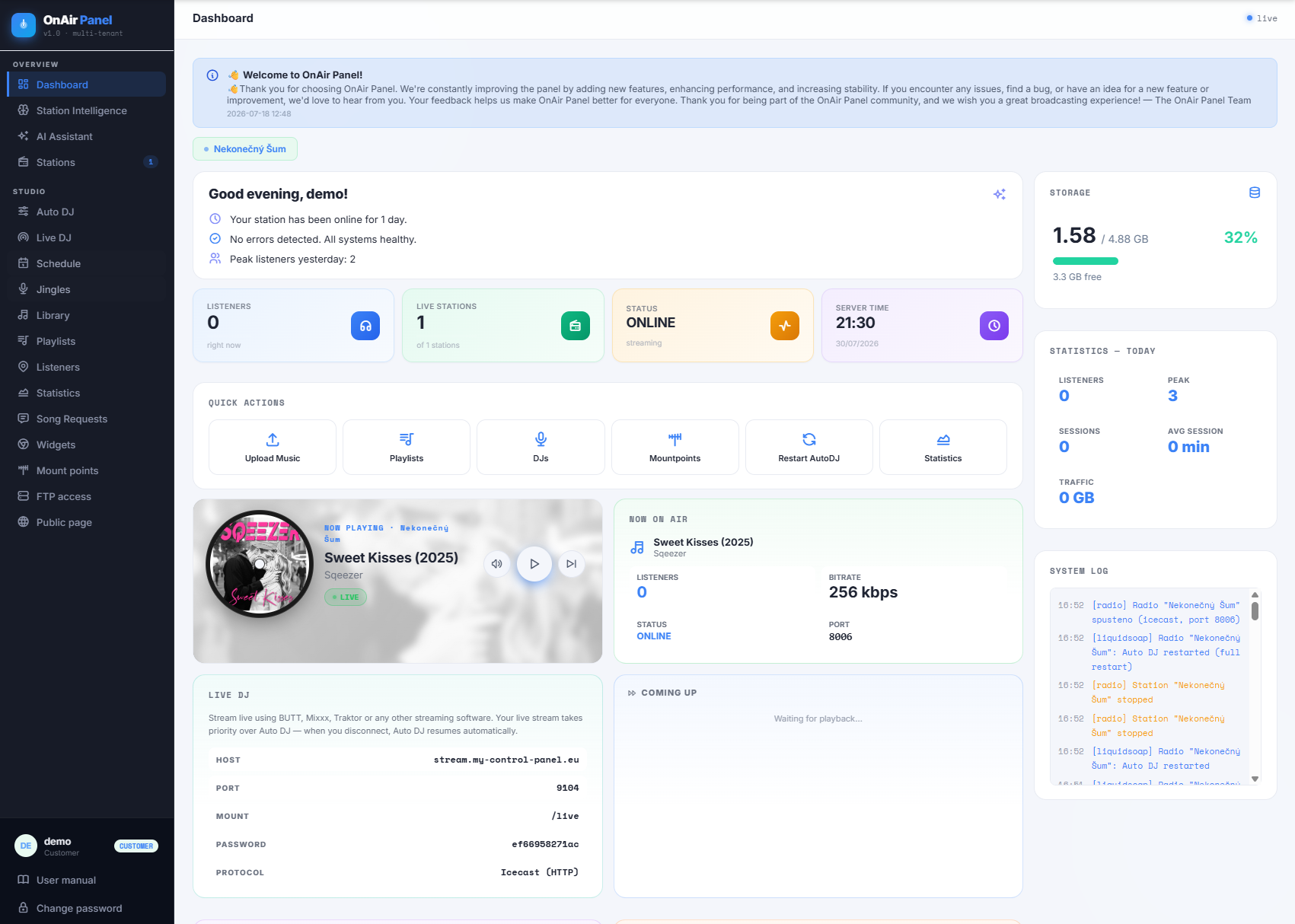
Your own brand, your own server, your own customers — with a complete platform that's ready to broadcast in minutes.
Get your OnAir Panel licence